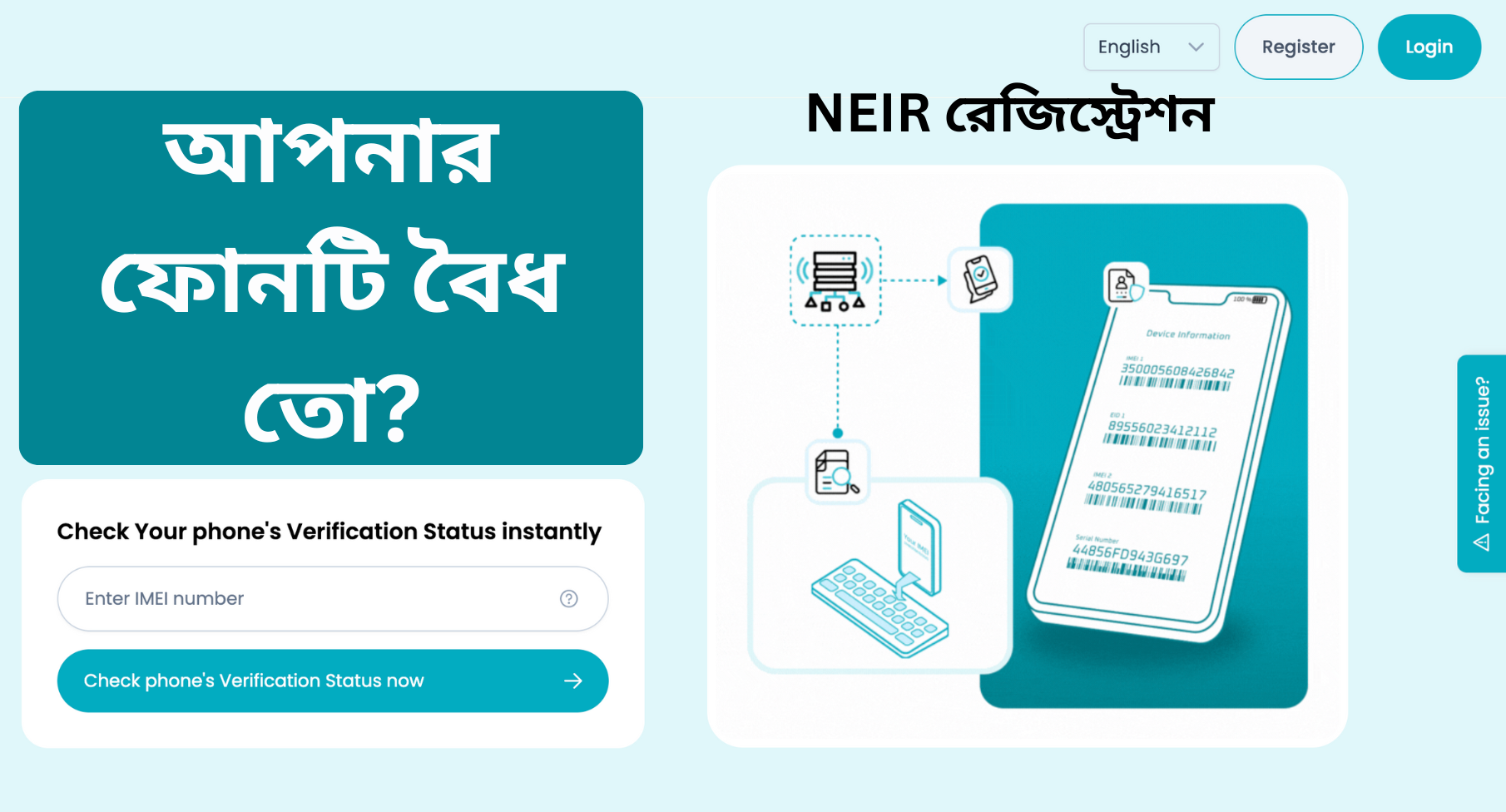
The National Equipment Identity Register (NEIR) is the official database of the Bangladesh Telecommunication Regulatory Commission (BTRC). Launched in full on January 1, 2026, this system ensures that every mobile phone in Bangladesh is authentic, legally imported, and securely linked to its owner via their National Identity (NID).
By using the Official NEIR Website (neir.btrc.gov.bd), citizens can verify their devices, register handsets brought from abroad, and manage their registered devices to protect their identities.
How to Verify Your Phone’s IMEI Status Instantly
You can find out if your device is authentic and legally registered by using the official 3-step SMS method:
- Step 1: Open your messaging app and type KYD, add a space, then enter your 15-digit IMEI number (Dial
*#06#to find it).- Example:
KYD 123456789012345
- Example:
- Step 2: Send the message to 16002.
- Step 3: You will instantly receive a return message confirming the validity status of your mobile handset.
How to Check How Many Phones Are Registered Under Your NID
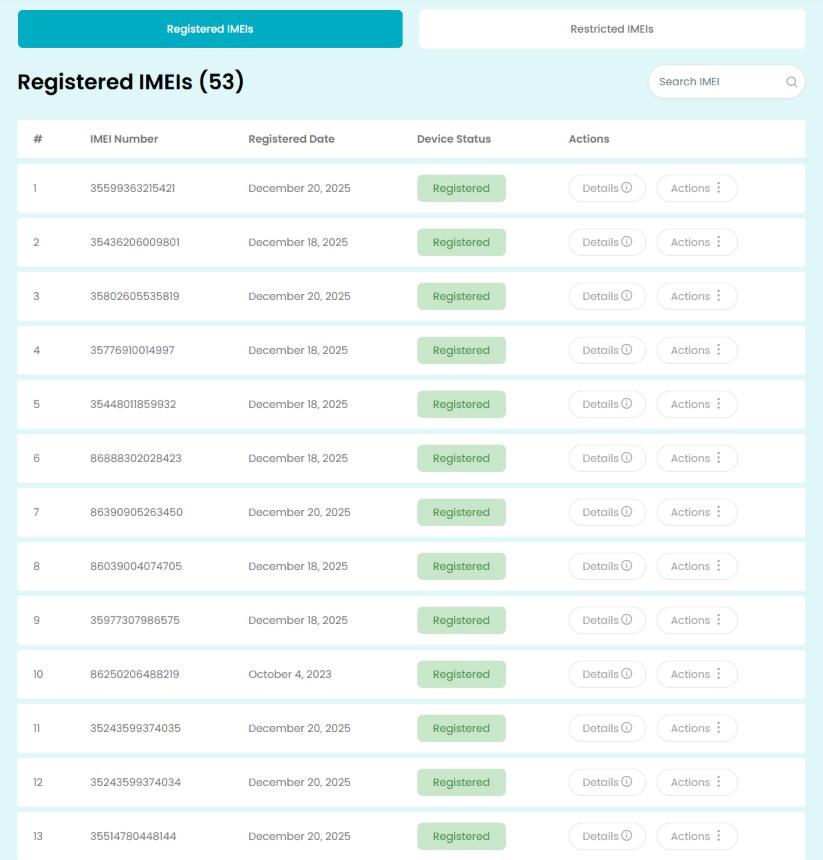
As of 2026, it is vital to know how many devices are linked to your identity. To check the list of handsets registered with your NID:
- USSD Method: Dial *16161# and select the “Check Registered Devices” option. You will be prompted to enter the last 4 digits of your NID.
- Web Method: Log in to the NEIR Citizen Portal to view a complete dashboard of all IMEI numbers associated with your profile.
How to Deactivate or Deregister Registered Devices
If you have sold your phone, lost it, or found unknown devices registered under your NID, you must deactivate/deregister them to avoid legal liability.
Method 1: Deactivating via the NEIR Portal (Recommended)
- Log in to your account at neir.btrc.gov.bd.
- Go to the “My Devices” or “Registered Handsets” section.
- Find the IMEI of the device you want to remove.
- Click on “Deregister” or “Deactivate”.
- Confirm the action via the OTP sent to your registered mobile number.
Method 2: Blocking Lost or Stolen Devices
If you want to deactivate a device because it was stolen, use the “Block IMEI” option on the portal. This will not only unlink it from your name but also prevent the phone from working on any mobile network in Bangladesh.
Registering on the NEIR Citizen Portal
If you receive a phone as a gift from abroad or purchase it during international travel, you must register it manually to ensure it is not blocked by the BTRC.
Steps to Register:
- Visit neir.btrc.gov.bd and click on Register.
- Provide your First Name, Last Name, and Mobile Number (01XXXXXXXXX).
- Choose your Verification Type (NID or Passport) and enter the last four digits.
- Once logged in, upload your passport immigration stamps or purchase receipts to whitelist the device.
Important Information for 2026
- SIM Card Limit: The BTRC has enforced a strict limit of 5 SIM cards per NID starting January 1, 2026.
- Automatic Registration: Handsets active on local networks before December 16, 2025, are automatically registered.
- Illegal Devices: Any “unofficial” phone purchased after the 2026 launch will be identified by the NEIR and eventually disconnected if not regularized.
Frequently Asked Questions (FAQ)
Can I use a phone that is not registered?
New unofficial phones detected after January 1, 2026, will be given a limited trial period. If not registered or if customs duties are not paid, they will be blocked.
Why should I deregister my old phone?
If you sell your phone without deregistering it, any criminal activity committed using that device may be traced back to your NID.
How do I check my registered SIM cards?
Dial *16001# and enter the last 4 digits of your NID to see all mobile numbers registered under your name.
Conclusion
The implementation of the NEIR system in 2026 is a major step toward a more secure and organized mobile ecosystem in Bangladesh. By taking a few minutes to verify your IMEI, check the handsets registered under your NID, and deactivating devices you no longer own, you ensure that your device remains active and your identity remains protected. Always buy mobile phones from authorized showrooms and keep your purchase receipts safe to avoid future connectivity issues.